

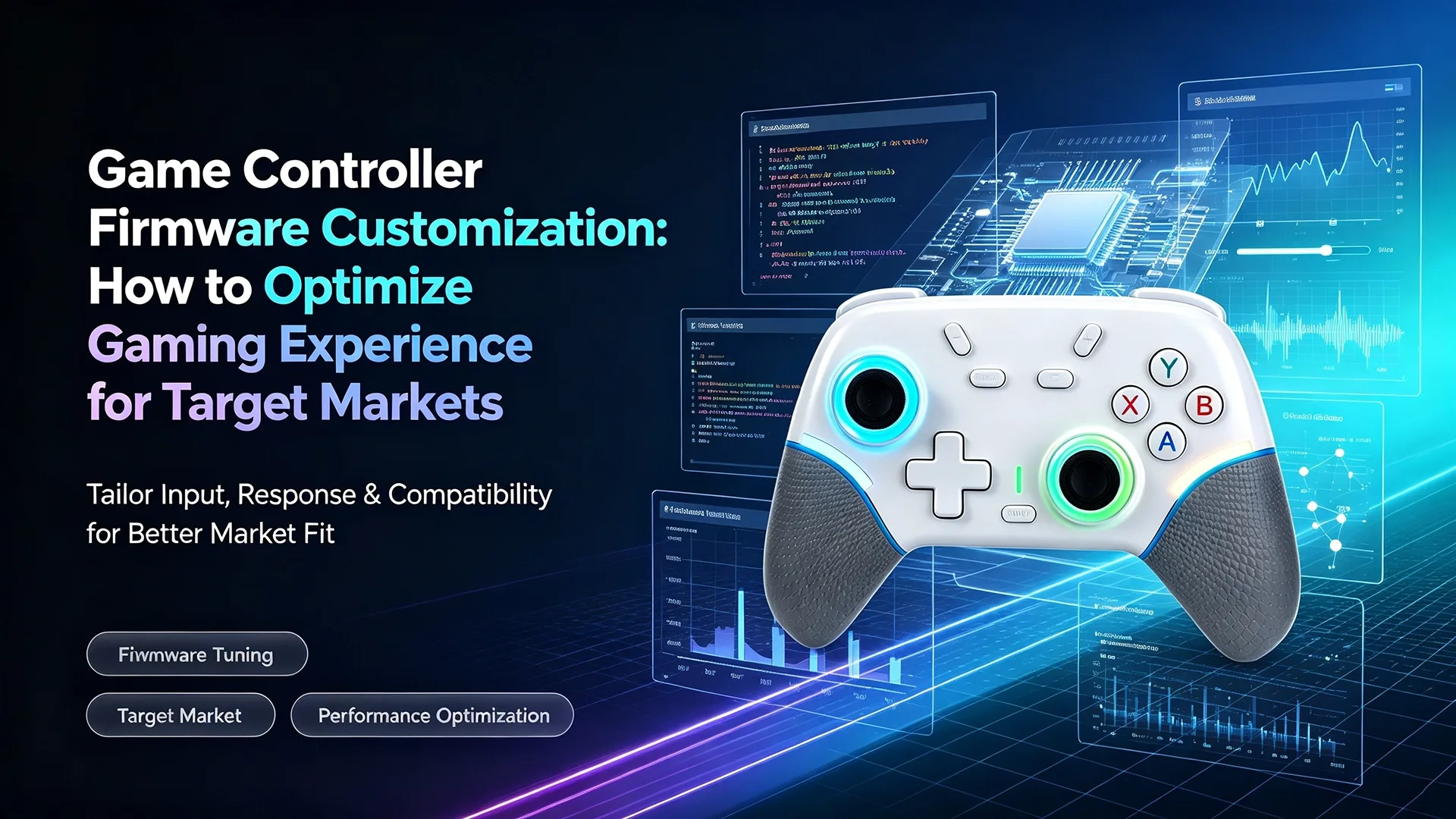
Game Controller Firmware Customization: How to Optimize Gaming Experience for Target Markets

For gaming controller brands, distributors, and private-label businesses, product differentiation is no longer limited to appearance.
Custom colors, logos, packaging, housing designs, and private molds can help create a recognizable product. But when multiple brands use similar hardware platforms, firmware customization can become an additional layer of differentiation.
Through game controller firmware customization, manufacturers can adjust software-level parameters such as joystick dead zones, sensitivity, vibration behavior, button mapping, lighting effects, and platform compatibility.
This means two controllers with similar physical hardware can potentially deliver different user experiences through different firmware configurations.
For B2B buyers, this creates an opportunity to move from simple appearance customization toward deeper hardware + firmware customization.
This article explains the main firmware customization options, how different target users may require different controller experiences, and how brands can use firmware optimization as part of an OEM/ODM product strategy.
What Is Game Controller Firmware Customization?
Firmware is the software embedded in the controller hardware that manages how the controller communicates with the gaming device and how physical inputs are interpreted.
In simple terms:
Hardware determines what the controller can do.
Firmware determines how those functions behave.
For example, the same physical joystick hardware can potentially be configured with different:
- Dead zone settings
- Sensitivity curves
- Response behavior
- Calibration parameters
- Trigger behavior
- Vibration intensity
- Button functions
- Lighting effects
- Platform modes
This makes firmware customization particularly valuable for brands that want to create a product experience targeted at a specific market or user group.
Why Firmware Matters for B2B Game Controller Customization
Traditional controller customization often focuses on visible elements:
- Logo
- Housing color
- Product shape
- Surface finish
- Packaging
- Accessories
These are important, but they are also relatively easy for competitors to replicate.
Firmware optimization creates another layer of differentiation.
A brand could use the same basic hardware platform while developing different firmware configurations for different target markets.
For example:
- Version A: Fast response and competitive-oriented joystick behavior.
- Version B: Smoother joystick movement for casual gaming.
- Version C: Different button mapping for a specific platform.
- Version D: Customized vibration and lighting behavior for a particular product positioning.
This creates a more complete custom gaming controller experience optimization strategy.
7 Key Areas of Game Controller Firmware Customization
The exact customization options depend on the controller hardware and firmware architecture, but several areas are particularly relevant to OEM and private-label projects.
1. Joystick Dead Zone Adjustment
Dead zone refers to the area around the joystick’s center position in which small movements may not generate an input.
Dead zone settings can influence how the joystick responds to subtle movement.
Smaller Dead Zone
A smaller dead zone can provide a more responsive feeling and allow smaller joystick movements to be detected.
This can be attractive for users who prioritize precise control.
Smaller Dead Zone
Larger Dead Zone
A larger dead zone can reduce sensitivity to very small unintended movements.
This may be more suitable for users who prefer a more forgiving control experience.
For Hall Effect controllers, dead-zone and calibration optimization can be particularly relevant because joystick sensing characteristics and user expectations may differ between product models.
For B2B buyers, the important point is that dead-zone settings should be validated through actual testing rather than selected purely as a marketing specification.
2. Joystick Sensitivity and Response Curves
Sensitivity determines how much in-game movement is generated by physical joystick movement.
Different users can prefer different response characteristics.
A competitive gaming-oriented product may prioritize:
- Fast response
- Precise small movements
- Consistent control
- Predictable input behavior
A casual gaming controller may instead emphasize:
- Smooth movement
- Easy control
- Forgiving response
- Comfortable everyday operation
Firmware customization can help manufacturers adjust the controller’s response characteristics according to the product’s target positioning.
This is one of the most useful areas for custom gaming controller experience optimization.
3. Trigger Sensitivity and Response
Triggers are another area where firmware can influence the gaming experience.
Depending on the hardware configuration, manufacturers may be able to optimize:
- Trigger response
- Trigger thresholds
- Input sensitivity
- Trigger calibration
- Response consistency
For racing, sports, action, and other game categories, trigger behavior can have a noticeable effect on the perceived control experience.
A B2B buyer developing a specialized controller can therefore consider trigger behavior as part of the product specification rather than treating it as a fixed hardware characteristic.
4. Vibration and Haptic Feedback
Vibration intensity can significantly affect the perceived gaming experience.
A controller can potentially be configured with different vibration behaviors for:
- Standard gameplay
- Strong feedback
- Reduced vibration
- Different vibration patterns
- Platform-specific behavior
Different users may have different preferences.
Hardcore players may want stronger or more immediate feedback in certain gaming scenarios, while casual users may prefer a smoother and less intrusive experience.
For an OEM project, vibration behavior can therefore be considered alongside hardware design, motor selection, and firmware configuration.
5. Button Mapping and Function Configuration
Button mapping is another important customization opportunity.
Depending on the controller hardware and firmware capabilities, manufacturers can potentially configure:
- Button assignments
- Function combinations
- Macro-related functions where supported
- Back-button functions
- Turbo functions
- Special shortcut controls
- Platform-specific mappings
For example, a brand targeting PC gaming may prioritize a particular control layout, while another product designed for mobile gaming may emphasize simplified controls.
The key is to match the firmware configuration with the intended customer and platform.
6. RGB and Indicator Light Behavior
Lighting is often considered an appearance feature, but firmware can determine how lighting behaves.
Customization may include:
- Lighting modes
- Brightness
- Color selection
- Lighting speed
- Startup effects
- Charging indicators
- Connection indicators
- Low-battery indicators
For gaming-focused products, lighting can reinforce the overall brand identity.
For example, a premium gaming brand may want a more dynamic lighting experience, while a business focused on mainstream retail products may prefer a simpler indicator system.
6. Platform Compatibility and Connection Modes
One of the most important areas for multi-platform controllers is platform adaptation.
Depending on the hardware design, firmware can help manage different operating modes for platforms such as:
- Compatible with Windows PC
- Compatible with Nintendo Switch
- Compatible with Android & iOS
- Other supported devices
Different platforms may require different input recognition or button mapping behavior.
A well-designed multi-platform controller should therefore be tested across the actual target devices.
For B2B buyers, the goal should not simply be to put a long compatibility list on the product page.
The goal is:
Correct Recognition + Stable Connection + Appropriate Mapping + Consistent Input Behavior
Do Different Markets Need Different Controller Experiences?
There is no universal firmware configuration that is automatically ideal for every customer.
However, product preferences can differ according to factors such as:
- Gaming habits
- Product positioning
- Target platform
- Game genres
- Price segment
- Customer expectations
It is therefore useful for B2B brands to think about user scenarios rather than simply geographic labels.
Competitive-Oriented Users
Users who focus heavily on competitive gaming may place greater emphasis on:
- Precise joystick control
- Low perceived input delay
- Consistent response
- Adjustable dead zones
- Trigger responsiveness
- Stable connection
For this segment, firmware optimization can focus on predictable and precise input behavior.
A controller positioned for competitive users should also be validated through actual gameplay testing rather than relying solely on theoretical firmware parameters.
Casual and Family Users
Casual users may place greater emphasis on:
- Easy setup
- Comfortable controls
- Smooth joystick response
- Simple button mapping
- Stable connectivity
- Plug-and-play usability
For this segment, the product does not necessarily need the most aggressive sensitivity configuration.
Instead, a smoother and easier-to-use controller experience may be more appropriate.
Mobile Gaming Users
Mobile users have different requirements because the controller may be used with:
- Smartphones
- Tablets
- BT connections
- Portable gaming setups
For this category, brands should pay particular attention to:
- BT pairing
- Platform recognition
- Button mapping
- Connection stability
- Power management
- Portable design
- Device compatibility
Firmware optimization can be used together with hardware design to create a more suitable mobile gaming experience.
Why Firmware and Hardware Customization Should Work Together
Firmware customization should not be treated as a replacement for hardware development.
The strongest OEM/ODM strategy combines both.
Consider a controller project with:
Hardware Customization
- Custom housing
- Custom buttons
- Hall Effect joysticks
- Trigger configuration
- PCB configuration
- Lighting hardware
- Battery capacity
- Wireless module
Firmware Customization
- Dead zone
- Sensitivity
- Button mapping
- Vibration
- Lighting behavior
- Platform modes
- Connection behavior
Together, these create a much stronger product differentiation system.
Hardware creates the physical product.
Firmware refines the user experience.
From Appearance Customization to Full Product Customization
Many gaming brands begin their customization journey with:
Logo → Color → Packaging
This is a practical starting point.
However, as the brand grows, visual customization alone may not provide enough differentiation.
The next level can be:
Logo + Housing + Components + Firmware + Packaging + Accessories
This creates a more complete product solution.
For brands developing a long-term gaming accessory portfolio, this approach can create a stronger connection between product hardware and brand positioning.
PLAYX Firmware Customization for B2B Projects
PLAYX provides game controller solutions for wholesalers, distributors, gaming brands, and private-label customers.
For suitable controller platforms, firmware can be adjusted according to the project’s product requirements.
Potential customization areas include:
- Joystick dead-zone parameters
- Sensitivity settings
- Trigger response
- Vibration behavior
- Button mapping
- Indicator and RGB behavior
- Platform modes
- Connection configurations
- Calibration parameters
- Other supported firmware functions
The actual customization scope depends on the selected controller hardware and firmware architecture.
This allows B2B customers to develop a controller that is not limited to a standard off-the-shelf configuration.
Free Firmware Fine-Tuning for Suitable Projects
For suitable OEM/ODM projects, PLAYX can support firmware fine-tuning during product development without charging a separate mold-development fee for these software-level adjustments.
This can be useful when buyers want to refine the controller experience without immediately creating a new physical mold.
For example, a buyer may want to:
- Adjust joystick response
- Fine-tune dead zones
- Modify vibration intensity
- Change button mapping
- Optimize platform modes
- Adjust indicator behavior
Instead of redesigning the physical controller, firmware adjustments can sometimes provide a more efficient way to refine the product experience.
The exact scope depends on the selected hardware platform and required firmware changes.
Batch Firmware Adaptation for Different Product Versions
For brands selling products in multiple markets, firmware can also be part of a broader product-version strategy.
For example:
Version A — PC Gaming
Optimized for PC connectivity and the target control configuration.
Version B — Multi-Platform
Configured for supported PC, Switch, Android, and iOS use cases.
Version C — Mobile Gaming
Focused on BT connectivity and mobile-device interaction.
Version D — Private-Label Edition
Uses the customer’s preferred button mapping, lighting behavior, and other supported settings.
This allows one hardware platform to potentially support multiple commercial product configurations.
Firmware Customization Without Creating a New Mold
One of the biggest advantages of software-level customization is that it can potentially reduce the need for physical redevelopment.
Suppose a customer wants to create a new product experience.
A full hardware redevelopment may involve:
- Industrial design
- Engineering
- New molds
- PCB changes
- Tooling
- Testing
- Certification review
- Higher MOQ
- Longer development time
If the requested difference is primarily behavioral rather than physical, firmware customization may offer a more efficient alternative.
For example:
Need different joystick behavior?
Consider firmware adjustment.
Need different button mapping?
Consider firmware configuration.
Need different vibration behavior?
Consider firmware optimization.
Need a new physical shape?
Then hardware or mold development may be required.
This distinction helps B2B buyers choose the appropriate customization path.
A Practical OEM Firmware Customization Workflow
A professional firmware customization project can follow several stages.
Step 1: Define the Target User
Identify:
- Target market
- Main platform
- Main game genres
- User experience goal
- Product price segment
Step 2: Select the Hardware Platform
Confirm:
- Controller model
- Joystick technology
- Trigger type
- Wireless module
- PCB
- Lighting hardware
- Vibration motors
Firmware options depend on the underlying hardware.
Step 3: Define Firmware Requirements
Create a clear requirement list covering:
- Dead zone
- Sensitivity
- Trigger behavior
- Vibration
- Button mapping
- Lighting
- Platform compatibility
Step 4: Prototype and Test
Test the firmware on actual hardware.
Testing should include:
- Input response
- Joystick behavior
- Trigger behavior
- Connection stability
- Platform recognition
- Vibration
- Battery behavior where relevant
Step 5: Fine-Tune
Collect feedback and adjust parameters where supported.
This stage is particularly important because a setting that looks good technically may not necessarily feel optimal during actual gameplay.
Step 6: Batch Adaptation
Once the configuration is approved, apply the final firmware version to the production batch according to the agreed project specification.
How B2B Buyers Should Evaluate a Firmware Customization Supplier
Before starting an OEM project, ask the supplier:
Hardware
- What controller platforms support firmware customization?
- Are Hall Effect joysticks available?
- Which wireless modules are used?
- Which platforms are supported?
Firmware
- Can joystick dead zones be adjusted?
- Can sensitivity be customized?
- Can button mapping be modified?
- Can vibration parameters be adjusted?
- Can lighting behavior be customized?
- Can platform modes be adapted?
Testing
- Is firmware tested on real target devices?
- Can samples be provided before mass production?
- How are firmware revisions managed?
- Can approved firmware be locked for mass production?
Commercial Terms
- Is firmware fine-tuning included?
- Are there additional development charges?
- Does customization require a new mold?
- What is the MOQ?
- Can different product versions be produced in batches?
These questions can help buyers distinguish between a supplier that simply provides an existing controller and one that can support deeper product customization.
Firmware Customization vs. New Hardware Development
Not every customization request requires a new mold.
| Requirement | Firmware Adjustment | Hardware Development |
| Joystick sensitivity | ✓ | — |
| Dead-zone tuning | ✓ | — |
| Button mapping | ✓ | — |
| Vibration behavior | ✓* | — |
| Lighting behavior | ✓* | ✓* |
| Platform mode | ✓* | ✓* |
| New housing shape | — | ✓ |
| New button structure | — | ✓ |
| New PCB design | — | ✓ |
| New joystick hardware | — | ✓ |
*Depends on the existing hardware architecture.
This is why defining the customization requirement correctly at the beginning of an OEM project can save both development time and unnecessary tooling costs.
Building a Complete B2B Game Controller Customization Strategy
For a gaming brand, the most effective product development strategy can combine several layers.
Layer 1: Product Appearance
- Logo
- Color
- Housing
- Surface finish
- Packaging
Layer 2: Hardware
- Hall Effect joystick
- Trigger configuration
- Wireless module
- Battery
- PCB
- Vibration motors
Layer 3: Firmware
- Sensitivity
- Dead zone
- Button mapping
- Vibration
- Lighting
- Platform adaptation
Layer 4: Accessories
- Charging dock
- Carrying case
- Thumb grips
- Cables
- Custom bundles
This creates a complete customization ecosystem rather than a simple logo-printing service.
From Private Mold to Firmware: Building a Hardware + Software Customization Loop
If you have already explored private mold game controller customization or custom controller appearance solutions, firmware customization can be the next step.
A typical customization roadmap can be:
Private Mold → Appearance → Hardware → Firmware → Accessories → Packaging
This creates a closed-loop OEM/ODM solution.
For example, a brand could develop:
- A unique controller housing
- Its own color system
- Hall Effect joystick hardware
- Customized button layout
- Brand-specific firmware behavior
- Matching charging dock
- Custom retail packaging
The result is a product that is differentiated not only visually but also functionally.
Why Firmware Can Be a Long-Term Product Advantage
Physical appearance can be copied.
Packaging can be redesigned.
But a carefully optimized product experience can become part of a brand’s identity.
Firmware customization can allow brands to maintain a consistent experience across different hardware generations.
For example, a brand could establish its preferred:
- Joystick response
- Trigger behavior
- Button mapping
- Vibration intensity
- Lighting behavior
and then carry these experience principles into future controller models where the hardware architecture allows it.
This can help create greater consistency across a gaming accessory product line.
Frequently Asked Questions
What is game controller firmware customization?
Game controller firmware customization involves modifying or configuring supported software parameters inside a controller to change how inputs, buttons, vibration, lighting, platform modes, and other functions behave.
Can joystick dead zones be customized?
On supported controller platforms, dead-zone parameters can potentially be adjusted through firmware to achieve different response characteristics.
Can game controller sensitivity be customized?
Yes, sensitivity and response behavior may be configurable depending on the controller’s hardware and firmware architecture.
Can button mapping be customized for OEM projects?
On supported models, button mapping and certain functional assignments can be customized according to the project requirements.
Does firmware customization require a new mold?
No. Software-level adjustments such as dead zones, sensitivity, button mapping, and certain vibration or lighting parameters may not require a new physical mold.
Can one controller support different firmware versions?
Depending on the hardware platform, different firmware configurations can potentially be developed for different markets, platforms, or product versions.
Is firmware customization suitable for private-label gaming brands?
Yes. Firmware customization can complement logo, housing, packaging, hardware, and accessory customization to create a more differentiated private-label product.
Does firmware customization work with Hall Effect controllers?
Hall Effect controllers can support firmware-level optimization of parameters such as calibration, dead zones, and response behavior, depending on the specific hardware and firmware architecture.
Conclusion: Go Beyond Appearance With Firmware Customization
Game controller customization is evolving beyond logos, colors, packaging, and physical design.
For brands looking to build more differentiated gaming products, game controller firmware customization provides another layer of product development.
By optimizing:
Dead Zone + Sensitivity + Trigger Response + Vibration + Button Mapping + Lighting + Platform Compatibility
brands can create controller experiences designed around specific products, users, and gaming scenarios.
For suitable projects, PLAYX can support firmware fine-tuning and batch adaptation without requiring a new mold for software-level changes, helping B2B customers build a more flexible customization strategy.
The strongest OEM/ODM products combine:
Distinctive Hardware + Optimized Firmware + Custom Appearance + Accessories + Packaging
This creates a complete product experience rather than simply another customized game controller.
If you are developing a private-label gaming controller and want to explore firmware, hardware, appearance, or accessory customization, contact the PLAYX team to discuss your OEM/ODM project requirements.